LulaSign · Simply sign.
Send the PDF. Get the signature. Keep the proof.
Send agreements and approvals from one place. The people involved sign in their browser, while you can see what is still outstanding without chasing updates by email.
Already have a LulaSign document? Verify itHow it works
Three steps, from PDF to finished document.
You set up the request, each person completes their part, and LulaSign keeps the finished PDF and its record together.
- 01
Prepare it once, properly
Upload one or several PDFs, add the people and place signature, initials and date fields where each person signs. LulaSign flags anything missing before you send.
- 02
Send and follow every signer
Each person gets their own secure link and signs on a phone or computer, with no account. You see who has signed, who has opened it and who needs a reminder.
- 03
Finish with proof you can check
Everyone receives the completed PDF with a signing certificate. Anyone holding the file can check it still matches LulaSign’s record.
For the people signing
Open the link and sign. That’s it.
A recipient opens the invitation on their phone or computer and sees the documents and fields meant for them. There’s no LulaSign account to create. For extra assurance, you can add a six-digit code by email, SMS or WhatsApp.
- Type, draw or upload a signature
- Any phone, tablet or computer
- Stop and carry on later from the same link
- Review every entry before finishing
Where it fits
Use LulaSign for the paperwork already moving through your organisation.
Explore familiar examples from client work, HR, property and education.
Not only for sending
Send it for signing, sign it yourself, or start from a template.
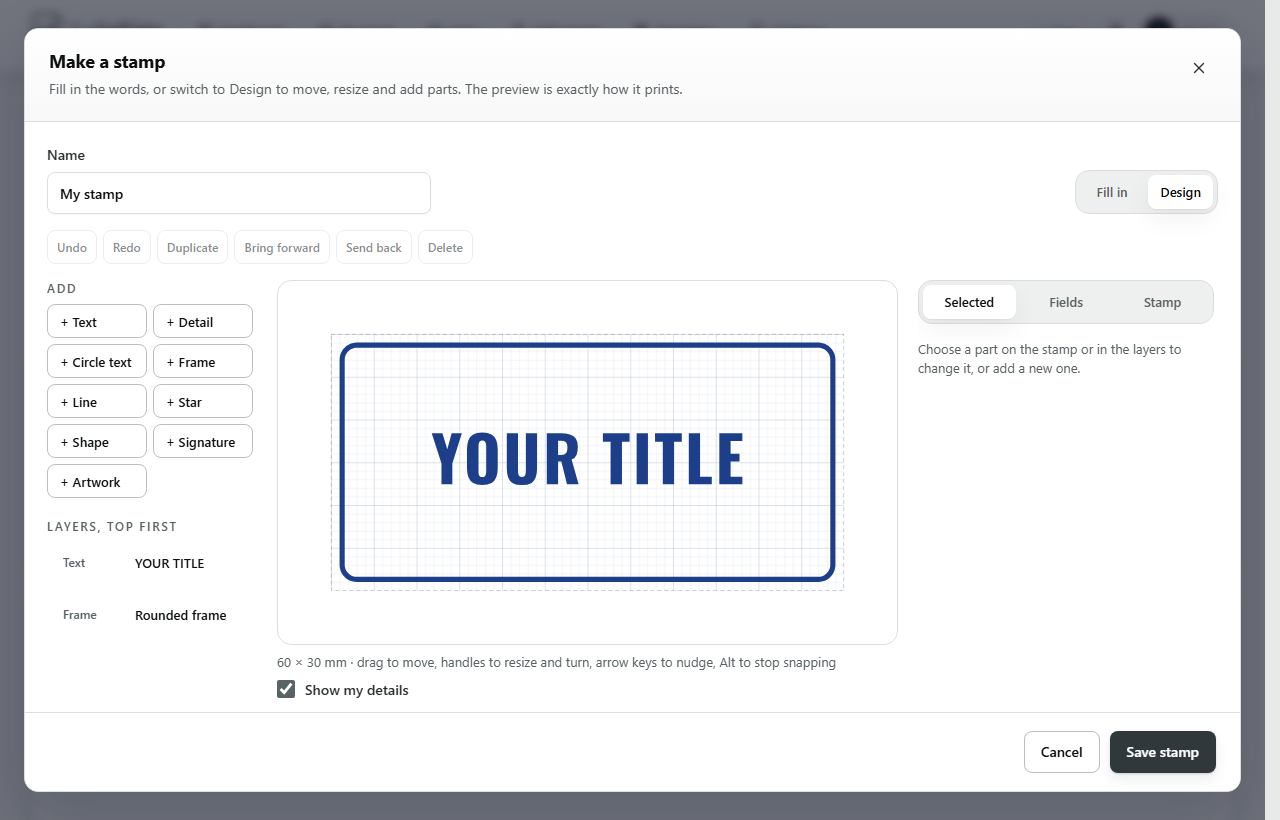
Sign a PDF yourself with the same tools and download it with its certificate. Nobody is emailed and no signing request is used. On a paid plan, add a stamp from the library, your own design or your organisation's seal.
- Signature, initials, date, text and tick boxes
- Stamps with a serial anyone can verify
- Templates for the documents you send every week
Simple pricing in rand
Start with five free signing requests. Upgrade when you need more.
Prepare as many drafts as you need. Your allowance is used only when you send a request.
Starter
Freeno card, no renewalSend real requests and see the full LulaSign journey before choosing a subscription.
- 5 signing requests to try, once-off
- Up to 1 PDF and 3 recipients per request
- 3 reusable templates
- 5 SMS/WhatsApp code credits
Professional
R149per month, or R1 490 for 12 months (save R298)For an individual who sends agreements and approvals throughout the month.
- Up to 55 signing requests a month, including 5 free extras that are never billed
- Up to 3 PDFs and 10 recipients per request
- Unlimited templates
- 50 SMS/WhatsApp code credits
- Stamps, the Stamp Studio and organisation seals
Business
R499per month, or R4 990 for 12 months (save R998)For a small team that prepares and tracks signing work from one shared workspace.
- Up to 220 signing requests a month, including 20 free extras that are never billed
- 3 team members included
- Up to 10 PDFs and 50 recipients per request
- Unlimited templates
- 200 SMS/WhatsApp code credits
- Stamps, the Stamp Studio and organisation seals
- API, webhooks, Google Drive and OneDrive
Enterprise
Customcommercial termsFor organisations that need tailored volume, onboarding and operational controls.
- Tailored request volume and team size
- Custom operational agreement
- Priority onboarding and support
Trust and South African context
Use the right signing method for the document in front of you.
LulaSign produces a completed PDF, a signing certificate and a verification record. Electronic signatures work for many South African documents, but some transactions need another method, additional formalities or legal advice.
LulaSign · Simply sign.